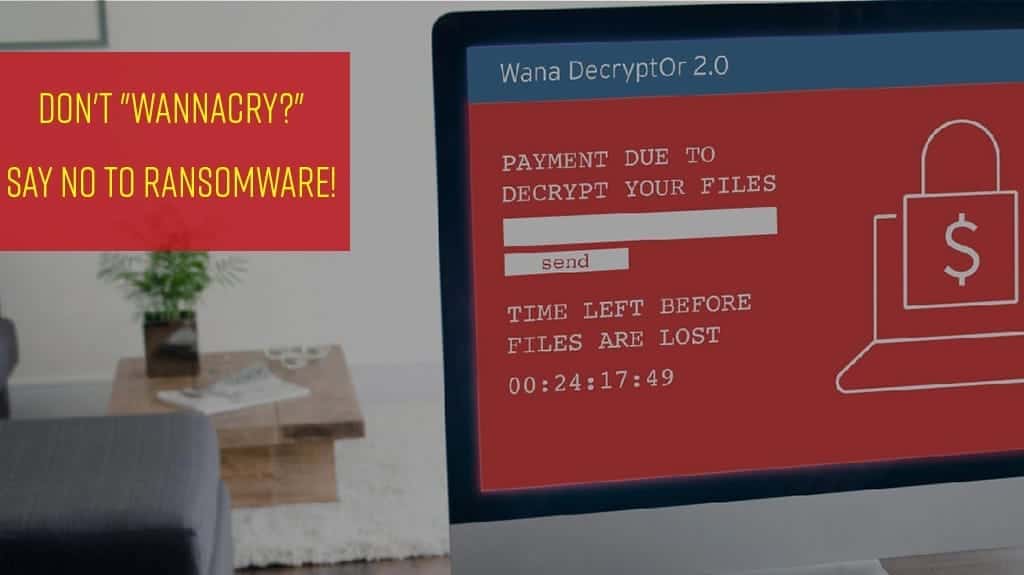
Note: Massive WannaCry/Wcry Ransomware Attack Hits Various Countries
Be 100% Aware!
You may have heard about the massive outbreak of the ransomware called “WannaCry”. We are writing to assure you that the latest version of Trend Micro Security provides effective protection against WannaCry.
Trend Micro has been aware of this potential exploit and has been protecting our customers from this attack vector from April 14th.
You might ask, what is ransomware and how can it affect me?
Ransomware is when a cyber-criminal blocks access to your data by encrypting your files, making them unusable, and demands a ransom to return access; and it’s been growing as a serious threat to consumers with 1 in 5 people in Thailand being victimised by ransomware.
To ensure you have the highest level of protection, we encourage all our users to:
- Make sure you are using the latest version of Trend Micro Security.
- Make sure to turn on Trend Micro Security’s 4th layer of ransomware protection: Folder Shield designed to specifically protect against ransomware, protecting your files against encryption.
- Make sure your Windows PC has been updated with the latest security updates. Trend Micro recommends turning on Microsoft Automatic Update.
We are here to help you if you have any concerns or questions.
In English You find information here: WannaCry/Wcry Ransomware
More Information You find here, in Thai: “หยุด!” พอกันทีกับมัลแวร์เรียกค่าไถ่
And here You find a useful document: PROTECT YOUR ORGANIZATION FROM THE UNFORESEEN IMPLICATIONS OF RANSOMWARE