Short answer: In November 2026 we moved samui-infotech.com from WPBakery to Bricks Builder. We kept the content and the brand colours but rebuilt everything underneath: design system, fonts, icons, forms, tracking and SEO setup. The result is a much leaner site that is easier to maintain and is a working example of how we build client sites in 2027.
Why we rebuilt our own website

Our old website did its job for years, but it was built with WPBakery. Page builders like that wrap every section in layers of extra code. Over time that makes a site slower and harder to change.
We also wanted our own website to show how we work today. So we used the same process we offer our clients: design the mockup first, get it approved, then build the website with modern tools, including AI where it genuinely helps. It made sense to try it on our own site first.
One rule was clear from the start: the content stays. Our service texts, FAQ and about page were accurate, so we didn’t rewrite them. This was a rebuild, not a relaunch.
Step 1: Design in Figma first
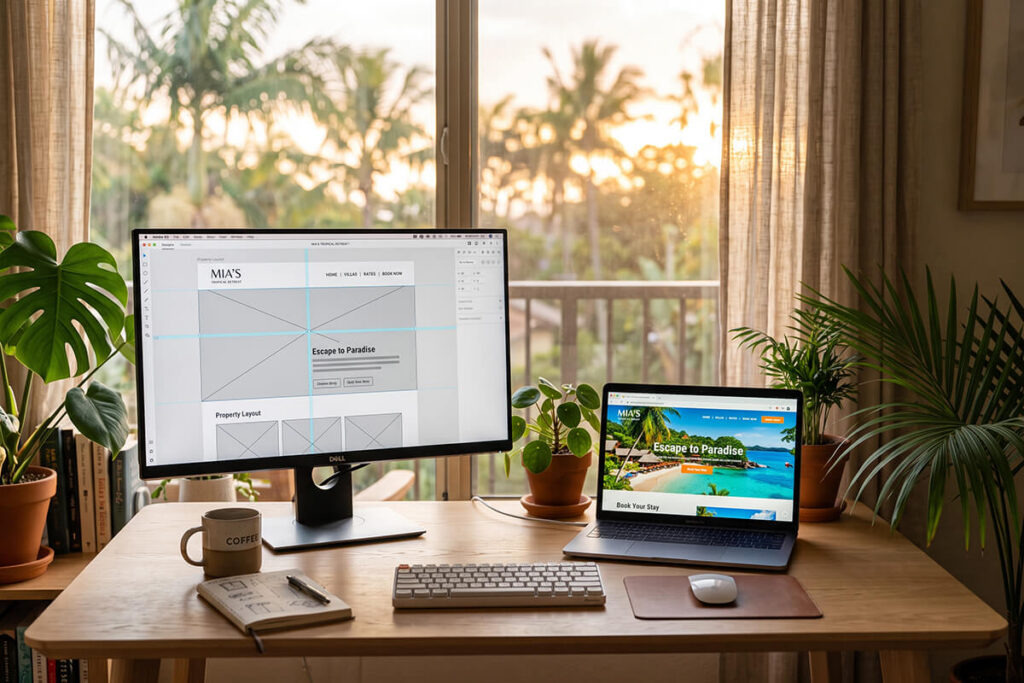
We set up the design system in Figma before writing any code: colours, spacing, font sizes and reusable components. We kept our teal and orange brand colours and gave them a cleaner, more modern look.
Working this way means every page uses the same building blocks. When something changes, it changes once and updates everywhere.
For client projects, this is also the approval step. The client sees and signs off the mockup before any development starts. Changes at this stage cost minutes, not days.
Step 2: Rebuild in Bricks with clean code
Bricks outputs much leaner HTML than WPBakery. On top of that, we made a few deliberate choices:
- One place for each style. Every design class keeps its CSS in one spot, so nothing overrides anything by accident.
- Text that scales smoothly. Font sizes now grow fluidly from 17px on a phone to 19px on a large screen, instead of jumping between fixed sizes. Mobile text is easier to read.
- Fonts hosted on our own server. We switched to Inter Tight and host it ourselves, instead of loading fonts from an outside service. That is faster and better for privacy.
- Icons without an icon font. We replaced the Font Awesome web fonts with small SVG icons, loaded through CSS. The browser no longer downloads a whole icon font for a handful of arrows and social icons.
How we used AI, and how we didn’t
We used AI as a development assistant. Through a direct connection to Bricks, it helped us set up page structures, templates and query loops, check the build against the approved design, and write and review code. Repetitive tasks that used to take hours took minutes.
What we didn’t do is let AI design or build the website on its own. Every layout decision came from the approved mockup. Every piece of code was checked, tested and often corrected by us before it went live. Our existing texts stayed exactly as they were.
That’s how we use AI on client projects too: as a tool in experienced hands, not as a replacement for them. A website generated blindly by AI might look fine at first glance, but it rarely holds up on speed, accessibility, SEO and long-term maintenance.
Step 3: Content that reuses itself
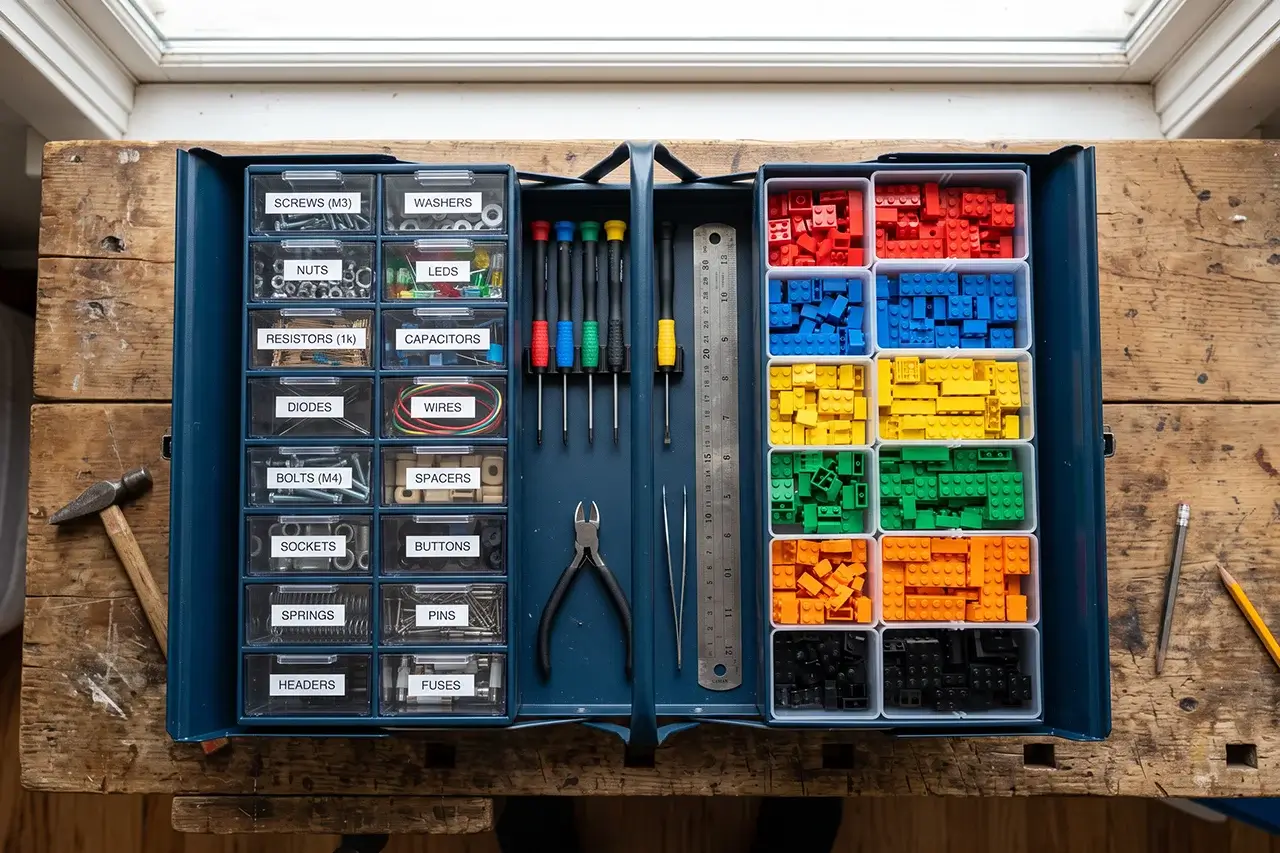
Our six services, our FAQs and our blog posts are now structured content, not one-off page layouts:
- Each service is its own entry with a fixed layout, under /services/. Old service URLs redirect automatically.
- FAQs are stored once and grouped by topic. Each service page and each blog post shows the questions that match its topic.
- The FAQ and contact sections are reusable components, shared by the service and blog templates.
On the homepage, visitors now switch between the six services in a tab panel, and the latest six blog posts appear in a carousel.
Step 4: Lighter forms and tracking
- Spam protection: we replaced Google reCAPTCHA with Cloudflare Turnstile in invisible mode. Visitors don’t have to click anything, and the page no longer loads reCAPTCHA’s heavy scripts.
- Tracking: we cleaned up Google Tag Manager down to the Google Analytics 4 tag. No extra tracking scripts slowing the page down.
Step 5: SEO and AI search setup
- Structured data for the whole site is handled in SEOPress, so search engines and AI tools understand who we are and what we offer.
- llms.txt lists our services and updates automatically with new articles.
- Blog categories went from 34 to 8 clear topics, each with its own SEO title, description and share image.
- Category pages got their own template and show all posts on one page.
Step 6: Hosting
The site runs on our own VPS in Singapore with the Caddy web server, close to our clients in Thailand and South-East Asia.
Where the new site stands

We didn’t record proper speed tests of the old site before we switched it off. Lesson learned. So instead of a before/after comparison, here is what we removed and where the new site stands today.
What the browser no longer has to load:
- The WPBakery code and styles around every section
- Fonts from an outside font service
- A complete icon font for a handful of icons
- Google reCAPTCHA scripts on pages with forms
- Extra tags from Google Tag Manager, apart from Google Analytics 4
The new homepage today (Google PageSpeed Insights, Lighthouse 13.6, 23 November 2026):
| Measure | Desktop | Mobile | Google’s “good” threshold |
|---|---|---|---|
| Performance score | 99 | 87 | 90 or higher |
| Largest Contentful Paint (LCP) | 0.8 s | 2.9 s | 2.5 s or less |
| First Contentful Paint (FCP) | 0.8 s | 2.9 s | 1.8 s or less |
| Total Blocking Time (TBT) | 20 ms | 70 ms | 200 ms or less |
| Cumulative Layout Shift (CLS) | 0 | 0 | 0.1 or less |
| Accessibility / Best Practices / SEO | 97 / 100 / 100 | 97 / 100 / 100 | 90 or higher |
Desktop is close to perfect. Blocking time and layout shift are excellent on both, so the page reacts quickly and nothing jumps around while it loads.
Mobile is good, but not there yet. PageSpeed tests mobile on a simulated mid-range phone over a slow 4G connection, and our largest content takes 2.9 seconds to appear, just above Google’s 2.5-second target. Part of that is distance: our server is in Singapore, and the test may run from much further away. Our next steps are a CDN, so visitors in Europe load the site from a server near them, and optimising the hero section for the first paint. We’ll update this post with the results.
Lab scores like these vary from test to test. The real test is data from actual visitors, so we’ll also add our Core Web Vitals from Google Search Console once a few weeks of data have built up.
Tip if you’re planning a rebuild: run PageSpeed Insights on your key pages and save the reports before you start. Without them, you can’t show what the rebuild achieved.
What we learned
- A rebuild doesn’t mean new content. Keeping texts and URLs meant no lost rankings and a much shorter project.
- Design first saves time later. With a design system in place, new pages are mostly assembling existing blocks.
- Small things add up. Fonts, icons, spam protection and tracking scripts each looked minor. Together they made a clear difference to speed.
- Structure beats copy-paste. FAQs and services as structured content mean one change updates every page that uses them.
Is your website due for a rebuild?
If your site runs on an older page builder, feels slow on mobile or is hard to update, a rebuild can keep your content and rankings while fixing what’s underneath. See how we design websites or get in touch to talk about your site.